an33 Register
One mobile number, one password, and a referral code if a friend sent you. No email address, no paperwork, and nothing to pay until you decide to deposit.
- A Bangladeshi SIM that can receive SMS, written with the 01 prefix.
- A password of at least eight characters that you use nowhere else.
- ৳450 ready in bKash, Nagad or Rocket when you want the welcome bonus.
18+ · Play Responsibly. New accounts are checked against your ID before the first withdrawal leaves the site.
Create your account
Already signed up? Log in here.
Every field on the form, one by one
The form is short because each field feeds something you will need later. Get the details right now and the first withdrawal is a plain request instead of a repair job.
| Field | What to enter | Why it matters |
|---|---|---|
| Mobile number | Your own number, started with 01, digits only. No spaces, no +88 in front. | The SMS code, password resets and every taka you withdraw pass through this number. |
| Password | Eight characters or more, letters and numbers mixed together. | You retype it at each login, and support staff will never ask you for it. |
| Confirm password | The same string again, character for character. | A mismatch stops the button, which costs less than a failed login later. |
| Referral code | The code of the friend who invited you. Blank is fine if nobody did. | It links the ৳200 referral credit to both accounts after your first deposit. |
| Age and terms box | One tick to confirm you are 18 or older and accept the terms. | Accounts found under 18 are closed, and the balance goes back to the payment method. |
Four steps from blank form to first bet
-
Type your number and password
Use the SIM that stays in your pocket, because the code and every withdrawal message arrive there. Pick a password you have not used on another site, then type it a second time in the confirm box. Do not paste a bKash PIN.
-
Tick the age box and send
Press Register Now once. The form checks the number format before anything leaves the page, so a missing digit or a copied space is flagged straight away. If the button stays grey, a required field is still empty above you.
-
Enter the code from the SMS
A short message from an33 arrives with a code. Type it into the box on the next screen. If nothing shows up, read the troubleshooting table further down before you request a second message, because repeated requests can slow delivery.
-
Log in and decide about the bonus
Your account works the moment the code is accepted. Sign in through the an33 login page, deposit at least ৳450 if you want the 210% welcome offer, and note that bonus money carries a 9x wagering requirement.
First deposit, ID check and what lands in your wallet
Registering costs nothing. The next four things are the ones that turn an empty account into money you can move, so read them before your first top-up.
-
Money in, usually within minutes
bKash, Nagad, Rocket and bank transfer all sit on the deposit screen. Send at least ৳450 to qualify for the welcome offer. Mobile wallet top-ups normally reach your balance in about 5 minutes; a bank transfer on a Friday evening can take longer.
-
The ID check comes before the payout
Nothing is requested at registration. Before your first withdrawal you upload an NID card, passport or driving licence, and the review normally takes around 6 hours. The name on the document has to match the name on the account, so use your own SIM and your own ID.
-
Cash out from ৳800
Withdrawals start at ৳800 and are capped at ৳190,000 a day on a new account. A finished request to bKash or Nagad usually lands in about 40 minutes. Allow up to 1 hour for the very first one while the account is being verified.
-
Keep the number you signed up with
Swapping SIMs later adds an extra check before money can leave. If you really have to change numbers, message live chat first so the switch is recorded on the account, then update it inside your profile rather than opening a second account.
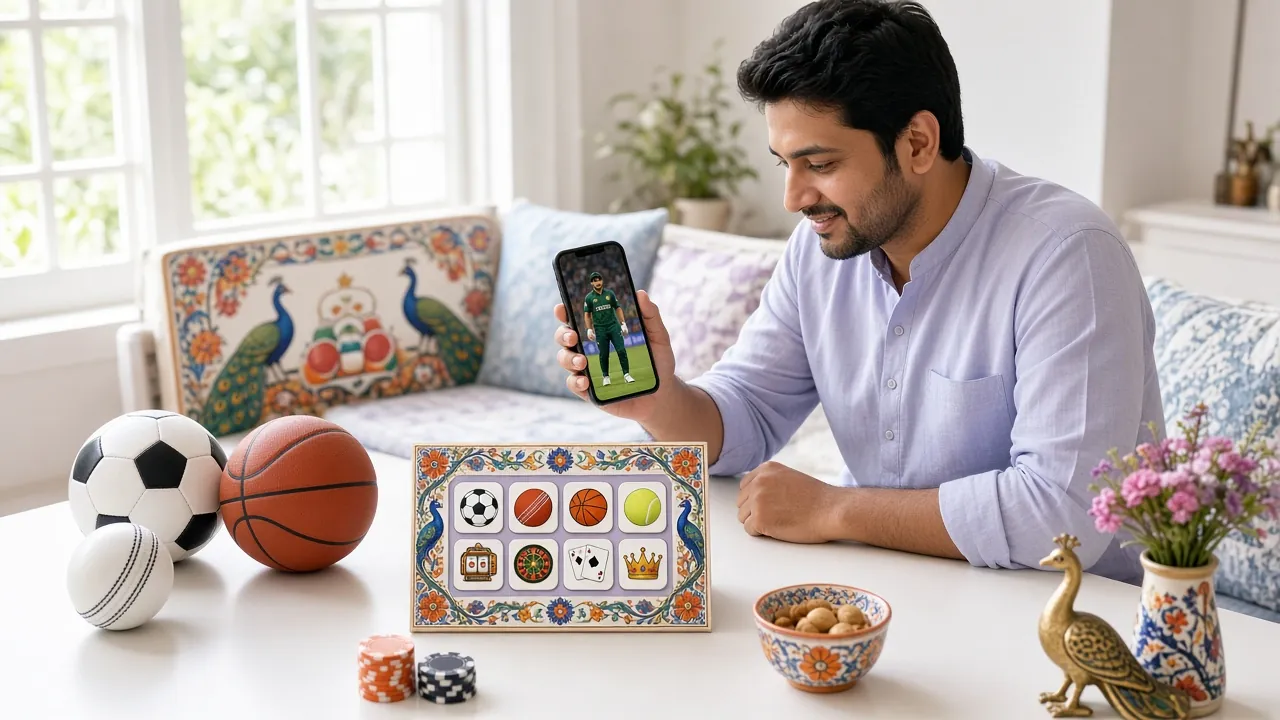
What the welcome bonus adds up to
When the form refuses to submit
Almost every failed attempt comes down to five things. Match what you see on screen to the cause, then try the fix once rather than pressing the button ten times.
| What you see | Why it happens | What to do |
|---|---|---|
| This number is already registered | An account was opened with this SIM before, perhaps by you on an older phone. | Go to the login page with the same number and use Forgot password. If the number is not yours, message live chat with your NID so the old account can be closed. |
| No SMS code arrives | A full message inbox, a block on short codes, or a number typed with +88 in front. | Check the number starts 01 with no spaces, clear old messages, and wait a little before asking for another code. Trying the SIM in a second handset settles it quickly. |
| Passwords do not match | A capital letter or a Bengali keyboard layout changed one character between the two boxes. | Set the keyboard to English, retype both boxes by hand rather than pasting, and submit once the two entries look identical. |
| Button stays grey | The age box is unticked, or one of the required fields above is still empty. | Scroll the form from the top. A red message sits under the field that needs attention, and the button wakes up as soon as it is fixed. |
| Page reloads and the form empties | Weak mobile data, or a browser holding an old copy of the page in memory. | Switch to Wi-Fi and reload, or finish the sign-up inside the an33 app, which keeps the session alive when the signal drops. |
Answers sent to live chat
Can I register without an email address?
Is it safe to sign up on a phone other people use?
I forgot my password. Where do I start?
Could I open a second account for another bonus?
Do I have to deposit on the day I register?
What happens if I type the wrong referral code?
Finish the sign-up on your phone and keep bKash one tap away, even when the mobile signal drops.
Get the an33 App18+ · Play Responsibly