Slots without the loading screen
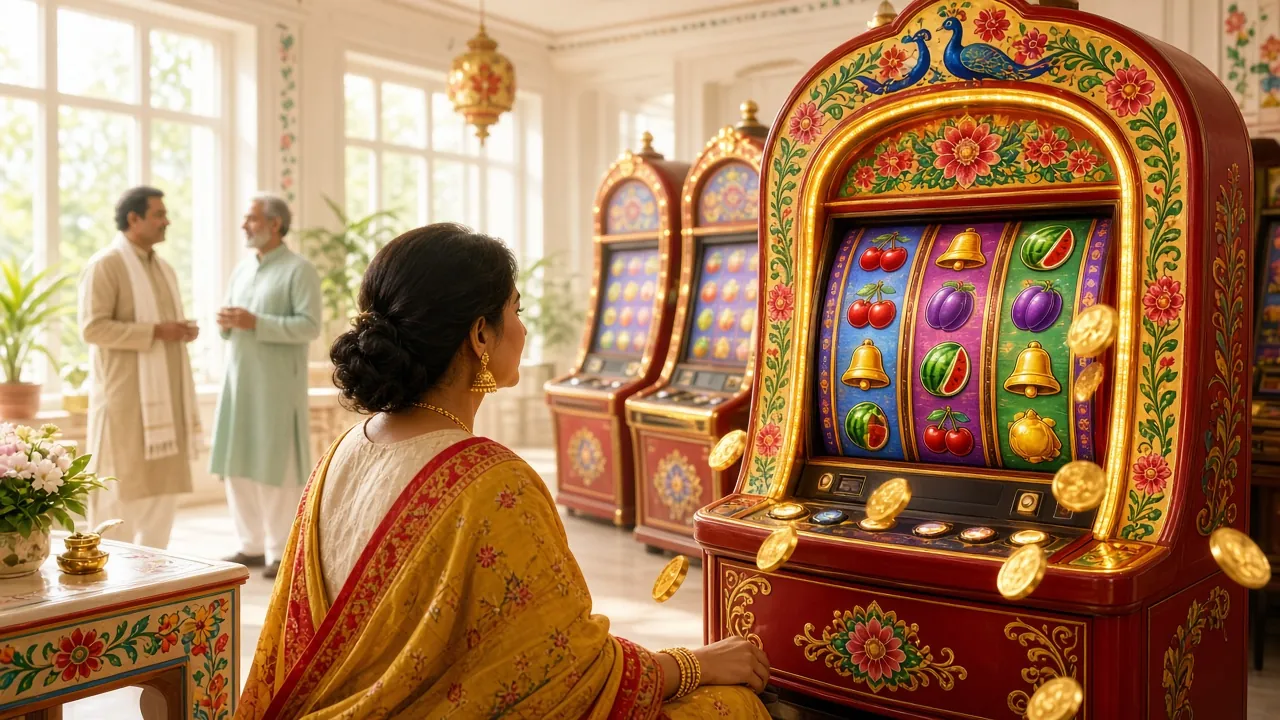
Around 2,700 titles from CQ9, Evolution, Red Tiger, JILI, Spribe and Sexy Gaming sit in one grid. Covers load first, so you can browse on a slow connection and open a game only when you have decided.
Everything below is already inside the file you are about to install. No second download, no separate wallet, no fresh login.
Around 2,700 titles from CQ9, Evolution, Red Tiger, JILI, Spribe and Sexy Gaming sit in one grid. Covers load first, so you can browse on a slow connection and open a game only when you have decided.
Roulette, blackjack and baccarat run on Evolution's live feed with a real dealer on camera. Set your limit before the deal, and the timer closes the table exactly when the round starts.
Spribe's instant games keep the loop short: one stake, one multiplier climbing, one decision to cash out. Rounds close fast, so the app suits a five-minute wait rather than a long session.
Markets on BPL fixtures, international tours and the big European leagues refresh inside the app. The bet slip stays parked at the bottom of the screen while you keep reading the card.
bKash, Nagad, Rocket and bank transfer all run in the app. A deposit usually lands inside 5 minutes, and a withdrawal of ৳800 or more reaches you in roughly 40 minutes.
Your 210% first deposit bonus up to ৳27,000, the 16% reload and 1.5% daily cashback appear in the app because they belong to the login, not to the device. Wagering stays at 9x.
Two games people open first after installing, both one tap from the lobby:
The installer asks for less than people expect. This is the full list, in plain words, so nothing on the screen surprises you.
The app writes game artwork and version updates into its own folder. It does not read your photo gallery, and nothing from your camera roll is uploaded anywhere.
Every bet, deposit and live table needs a connection. The app reads signal strength so it can drop from video to a still frame when data turns patchy, instead of freezing mid-hand.
Used for withdrawal confirmations, bonus reminders and match start alerts. Decline it and the app still works. You simply open the wallet screen yourself to check a payout.
No contacts, no SMS inbox, no call log, no microphone and no location. If a file claiming to be an33 requests any of those during install, it is not our build.
Take the APK from an33.app and nowhere else. Facebook groups and messaging channels pass around repacked files with the same icon and a different payload inside. Before you tap Install, confirm three things on the download screen: 45 MB, version 3.9.0, file name an33.apk. The app never asks for root access, and it never asks you to disable your screen lock.
File: an33.apk · 45 MB · version 3.9.0
Reading on a laptop? Point your phone camera at the code and it opens this page on the handset. The file behind the QR is identical to the button.
| Item | Detail |
|---|---|
| App version | 3.9.0 |
| File name | an33.apk |
| File size | 45 MB |
| Minimum Android | 7.0 |
| Last updated | 5 November 2026 |
| Cost | Free |
| Languages | English, Bangla |
| Account | The same login used on the website, through an33 Login |
The whole install takes a couple of minutes on a normal connection. Read step one properly, because it is the one people skip and then blame the file for.
Open Settings, then Apps, then Special access, then Install unknown apps. Pick the browser you download with and switch the permission on. Turn it off again once an33 is on the phone.
Tap Download APK at the top of this page. The browser writes 45 MB into your Downloads folder and shows a progress bar. Stay on Wi-Fi if your data pack is thin, and wait for the bar to finish.
Pull down the notification shade and tap the finished download, or open Files, then Downloads, then an33.apk. If the phone offers a zip tool or a text editor, you have tapped the wrong file.
Tap Install. Play Protect may show a scan warning because the build did not come through Google Play. Choose More details, then Install anyway. The install itself finishes in a few seconds.
Open the app and use your existing an33 login, or register if you are new. Set a deposit limit in the account menu before your first bet, then top up with bKash, Nagad, Rocket or bank transfer.
There is no iOS APK. Apple blocks installs from outside the App Store, so a home screen shortcut is the closest version available on an iPhone.
Both versions share one account, one wallet and one set of bonuses. The difference is how they behave on a phone: what loads, what stays open, and what interrupts you mid-session.
| What you are doing | In the app | In the browser |
|---|---|---|
| Opening the lobby | One tap on the home screen icon. Artwork is cached, so the grid returns without a full reload. | Type the address or open a bookmark. Assets are fetched again, which is slower on a weak signal. |
| Moving between games | Screens swap inside the app, so the balance stays visible while a game loads. | Each tab change pulls the page again and the balance refreshes separately. |
| Live dealer tables | Full screen with no toolbar, and the video drops to a still frame when the signal dips. | Works, but the address bar and tabs eat the top of a small screen. |
| Withdrawal alerts | A push notification when the payout is processed, if you allow notifications. | Nothing, unless the tab is open and you are watching it. |
| Deposits and cash-outs | bKash, Nagad, Rocket and bank transfer, with the same 5-minute deposit window. | The same four methods and the same timing, plus a wider keyboard for long numbers. |
| Updates | You install a new APK when a build lands on this page, roughly every few weeks. | Nothing to install. The site is always the current build. |
Most players end up with both. The browser is easier for the first deposit and for uploading KYC documents, because a laptop keyboard and a bigger screen make the forms quicker. The app wins on the commute, on the balcony, and anywhere a match is on. Switching mid-week costs you nothing.
Five failures cover almost every case reported to support. Match the message on your screen to the row below before you download the file a third time.
| What you see | Why it happens | What to do |
|---|---|---|
| App not installed | An older an33 copy with a different signature is still on the phone, so Android refuses the new one. | Uninstall the old app, restart the phone, then install the 45 MB file again from this page. |
| Play Protect blocked the file | The APK did not come through Google Play, so the scanner warns by default before it has seen the build. | Tap More details, then Install anyway. Only do this for a file from an33.app. Delete anything that arrived through a chat group. |
| Download stops partway | A weak signal, or the phone is out of free storage before the file finishes writing. | Free up space, switch to Wi-Fi, delete the half file and start again. The finished size should read 45 MB. |
| Install button greyed out | Unknown sources are still blocked for the browser or file manager you used to open the APK. | Settings, Apps, Special access, Install unknown apps, choose that app and switch it on. Reopen an33.apk afterwards. |
| App opens then closes | Android is older than 7.0, or the install did not complete because storage ran out at the end. | Check the version in Settings, About phone. On 7.0 and above, uninstall and reinstall. On anything older, use the browser version. |
Still stuck after the fifth row? Message live chat with the exact wording on the screen and your phone model. Guessing at the file is what turns a five-minute fix into a lost evening.
Get the an33 app, sign in and place your first bet before the next match starts.
Download APK